
Magento 2 module
Customer number (Kopie) (Kopie) (Kopie)
Comp: | Version 2.1.4
The Magento 2 customer number module generates user-defined customer numbers, prevents data conflicts, facilitates customer searches, supports multi-store environments and enables imports from external systems.
Benutzerdefinierte Nummernformate für die Kundenerstellung
Automatische Generierung von Kundennummern bei der Registrierung
Erweiterbarkeit durch die Verwendung von Kundennummern
Effiziente Kundensuche mit der Verwendung von Kundennummern
Unterstützung für MultiStore Umgebungen
Importieren von Kundennummern aus externen Systemen
Features
Overview
FAQ
Changelog
Features







Overview
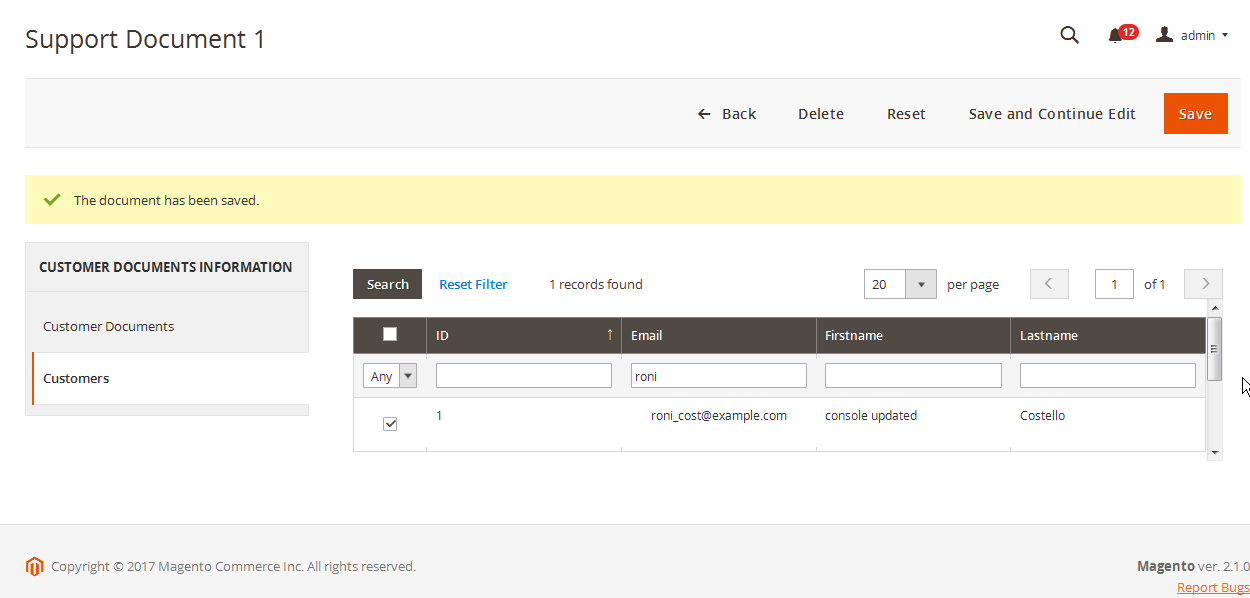
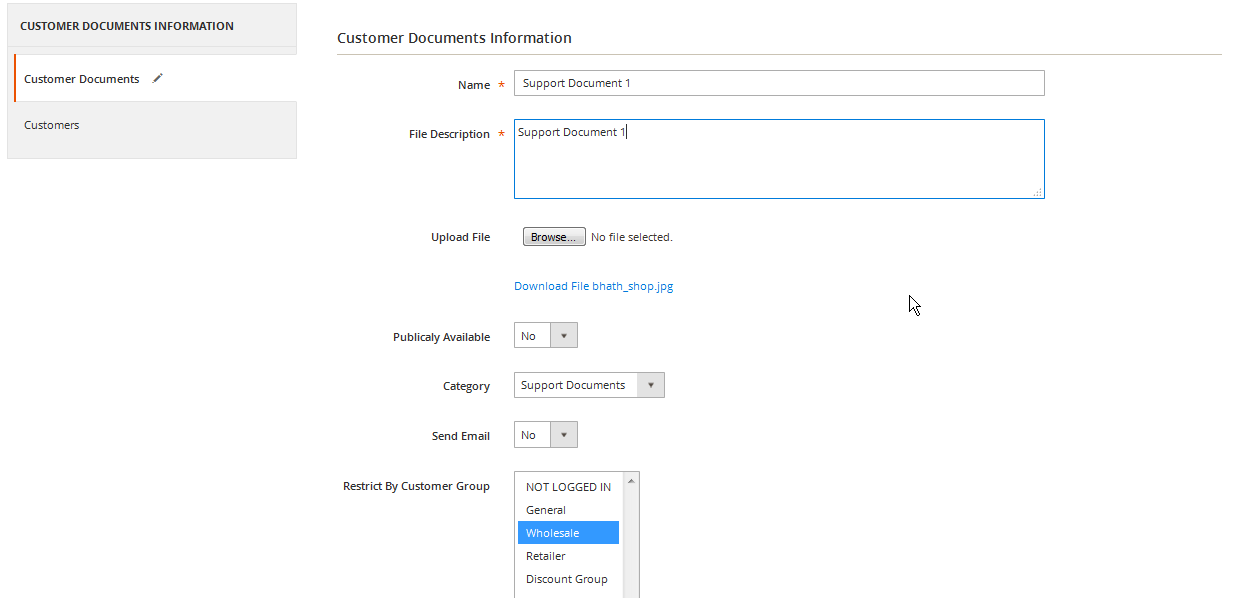
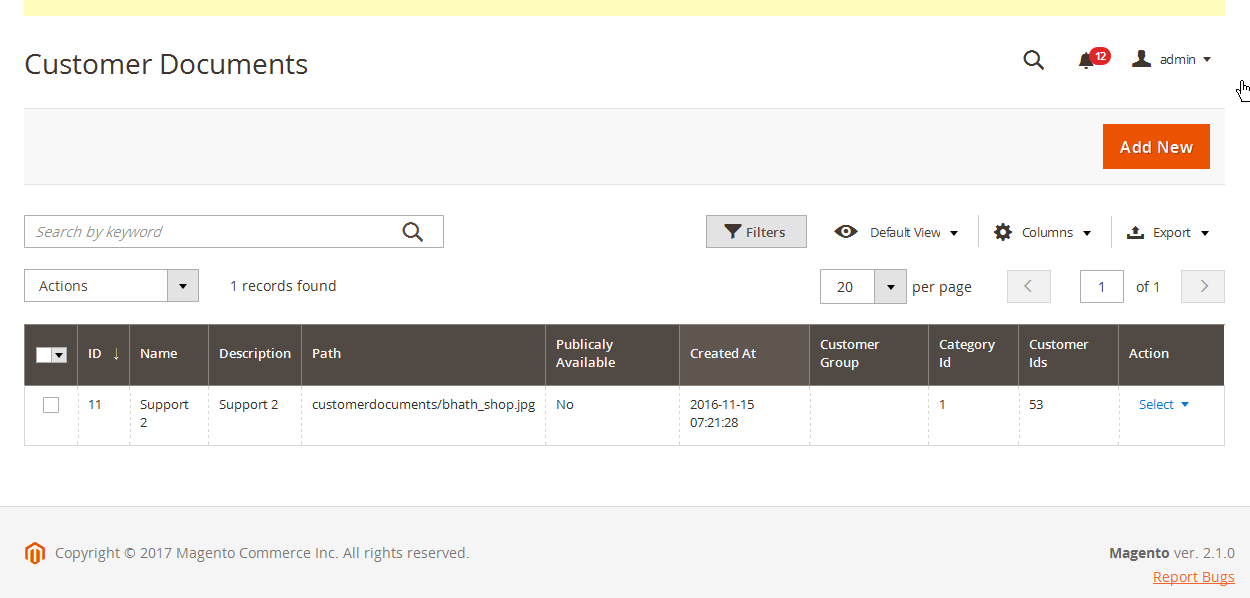
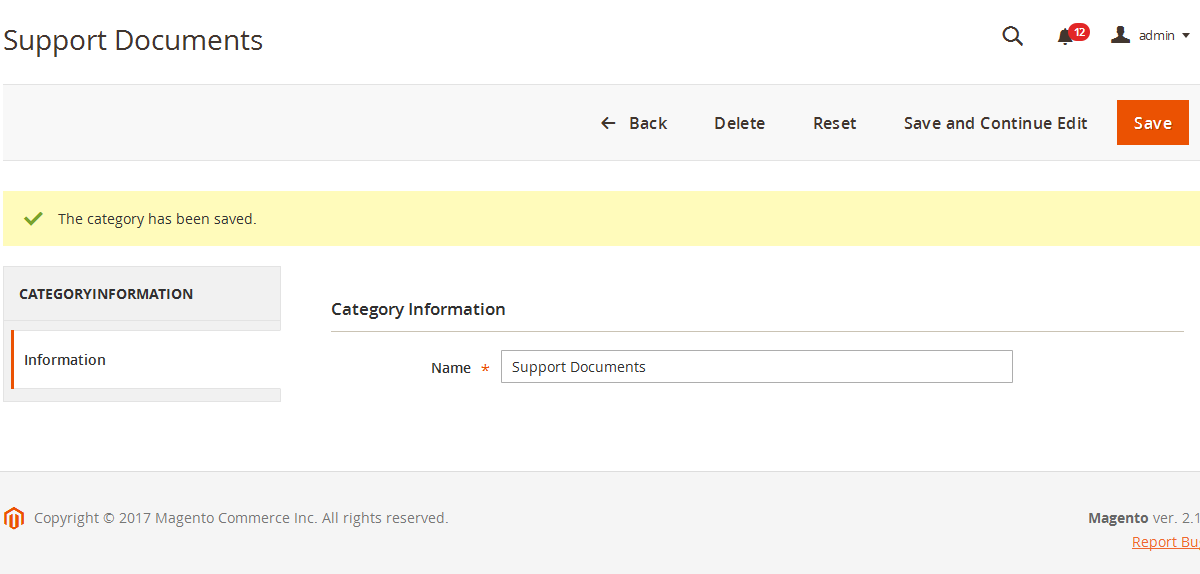
Fügt ein neues Attribut "Kundennummer" zu den Kundenstammdaten hinzu
Sichtbarkeit des Attributs in der Benutzerkontoansicht im Frontend und Backend
Kunden können sich mit der Kundennummer anmelden (als Alternative zur E-Mail-Adresse)
Die Kundennummer kann an verschiedenen Stellen ausgegeben werden (z.B. Template oder Bestellbestätigungsemail)
Import/Export der Kundennummer im Kundenstammdatensatz von Magento 2
Einstellungen bezgl. Vorlage der Kundennummer und Platzhalter, z.B. "CID-0049"
Automatisches Hochzählen nach einem Schema falls gewünscht
Unterstützung für MultiStore bzw. MultiWebsite-Umgebungen
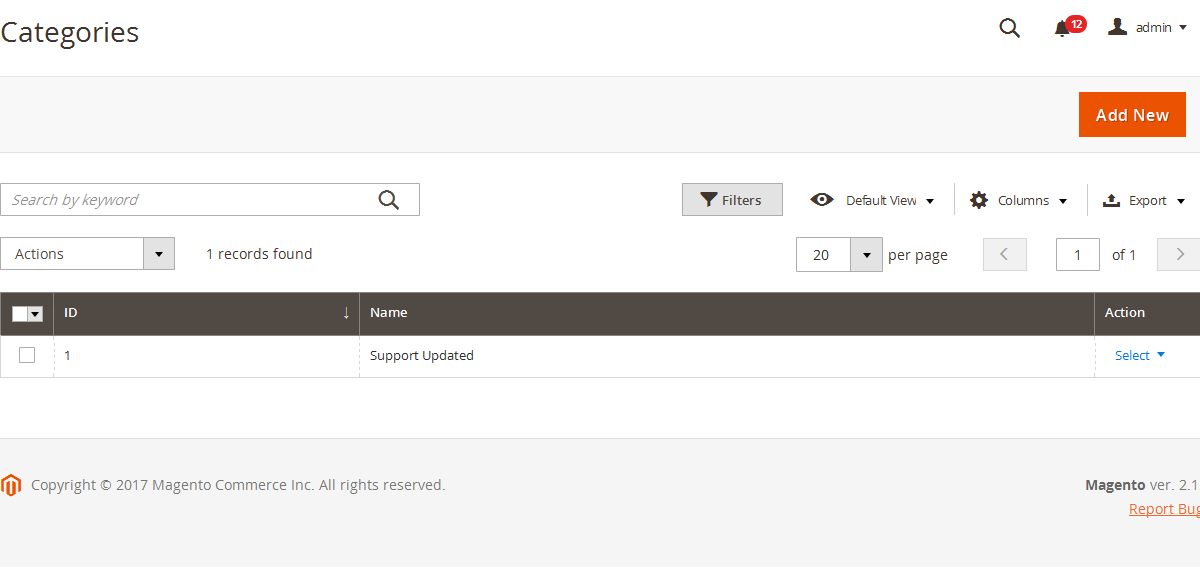
Darstellung der Kundennummer in der Bestellübersicht im Backend
FAQ
Changelog
Changed
- Funktion OK!!
- TEST AKtualiesert alleine !!!!
Changed
- Updated System class
- TEST
Changed
- ###### TEST Updated System class
Changed
- Updated System class
Changed
- Removed unused class rewrite IndexerHandlerAttributeHandler
- Improved Customer ID assignment logic
Changed
- Show last update date from CHANGELOG.md inside the system configuration of the extension
Changed
- updated README.md
Changed
- php Docs
Fixed
- Fixed dynamic property issue, removed deprecated json serialize
Changed
- Next id increment is now stored in core flag
Fixed
- Fixed next increment config save
Added
- Added uninstall routine
Added
- Added new feature "Display Customer ID on customer dashboard", which once enabled, will display the external Customer ID on the customer's dashboard
Changed
- Changed PHP Syntax
Fixed
- Compatibility with Magento 2.4.4
Added
- Added customer ID attribute in SalesOrderRepository API response inside the extension attributes section
- Fixed composer.json structure
Buy module
Extend license
Do you have a license and want to renew it?

Magento 2 Code Standards
Magento 2 Code Standards
Innovative, secure, efficient. First-class e-commerce code that guarantees performance and stability.

100% Open Source / Easy to Customize
100% Open Source / Easy to Customize
Fully transparent, individually expandable. Experience limitless flexibility with open-source, modular code

Custom Features & RFQs
Custom Features & RFQs
Individual customizing and further adaptations of the software are possible on request and are implemented on a project-specific basis.

Complete manual
Complete manual
The software module is supplied with a fully integrated manual that documents all functions, interfaces and configuration options in detail.

Extensive support packages
Extensive support packages
The support package is available for either 6 or 12 months and includes guaranteed technical support, regular updates and function-oriented software upgrades.

Simple updating
Simple updating
Thanks to the Composer connection, updates can be automatically imported into existing systems in a version-safe manner.

Digital.
eCommerce.
Innovation.
Products
Free test
Free test
Free test
Free test
Services
Free test
Company
Free test
Terms of use | Privacy Environmental Policy
Copyright © 2026 SoftwareSilo LLC. All Rights Reserved.